For GIT cloud users (SaaS), tables are made available as new publications are released, but are not automatically loaded into the company or companies when the year changes or rates are modified during the year.
To update the withholding tax tables for local or network installations, follow this procedure : How to load withholding tax tables
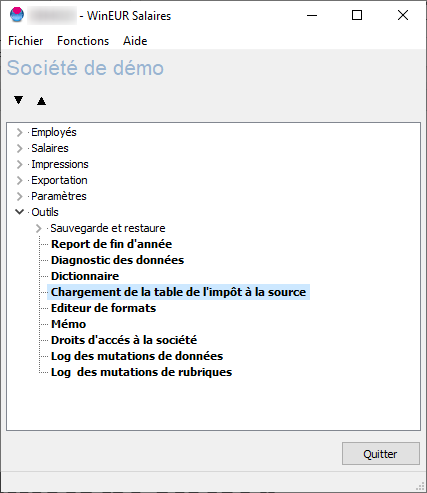
Open the program, go to the “Tools” menu, and select “Load withholding tax table”
- Select the canton concerned by the upload (1)
- Enter the path of the downloaded file via the “folder” icon (2)
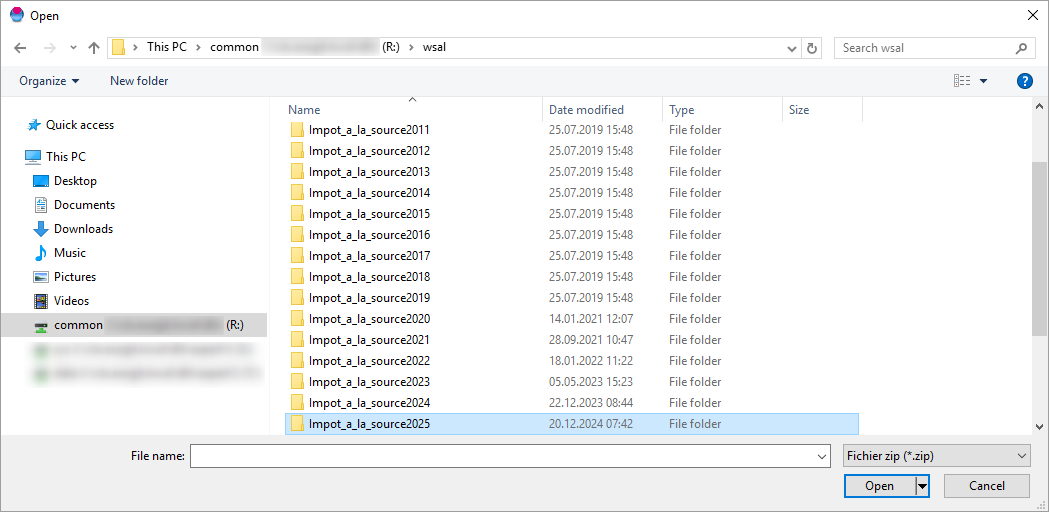
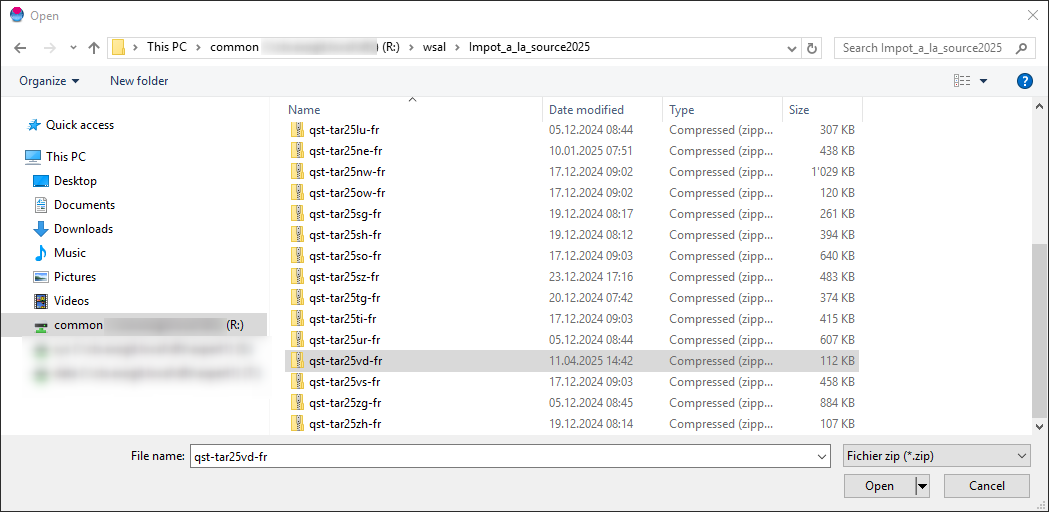
See below for the location - Check that the selected file corresponds to the canton selected in 1, and to the current year
- Confirm by clicking on the “Upload new table” button (3)

Once processing is complete, click on the “Modify” button, then “Exit.”
The new rates have been updated. The program will calculate retroactively on the next salary.
Location of available withholding tax tables