
Go to Company Settings :

In the header, include the company's IDE number and its REE number:
(If there is an error in the REE number when sending the PUCS, add an "A" before the number. Ex: A12345677)

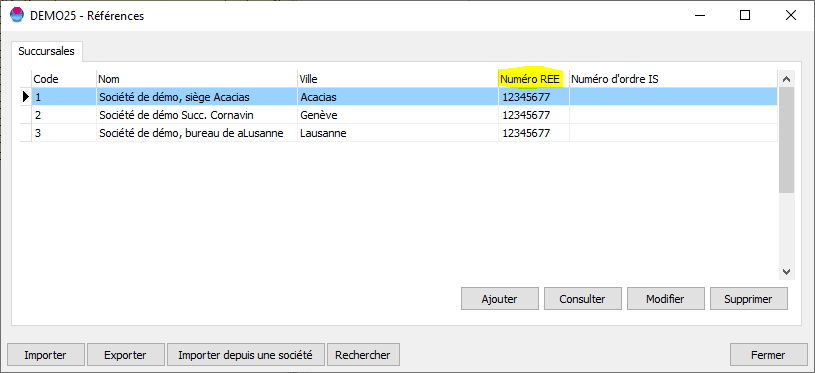
Click the "Edit subsidiaries" button if there are branches, and enter the REE numbers corresponding to the branch.
On the "Miscellaneous" tab, specify the type of salary agreement :

On the "Ages/Work Hours" tab, enter the normal number of weekly hours (or lessons, if it's a school) :

Don't forget to save your changes by clicking the "OK" button.